How to Check Your Repository's Health with Git Analytics
Use Git analytics to understand your codebase health. Learn what metrics matter and how to identify technical debt before it becomes a problem.

GitProductivity Team
Engineering Analytics
·6 min read
Checking Your Repository's Health
Your Git history tells a story about your codebase. Here's how to read it.
Key Health Indicators
1. Commit Patterns
Healthy signs:
- Regular, small commits
- Good commit messages
- Logical grouping
Warning signs:
- Large, infrequent commits
- Vague messages like "fix" or "updates"
- Many revert commits
2. Code Churn
Track how often files change:
- High churn = potential complexity
- Growing files = technical debt
- Orphaned files = dead code
3. Review Metrics
Monitor:
- PR size trends
- Review time
- Rejection rate
- Bottleneck detection
Using GitProductivity
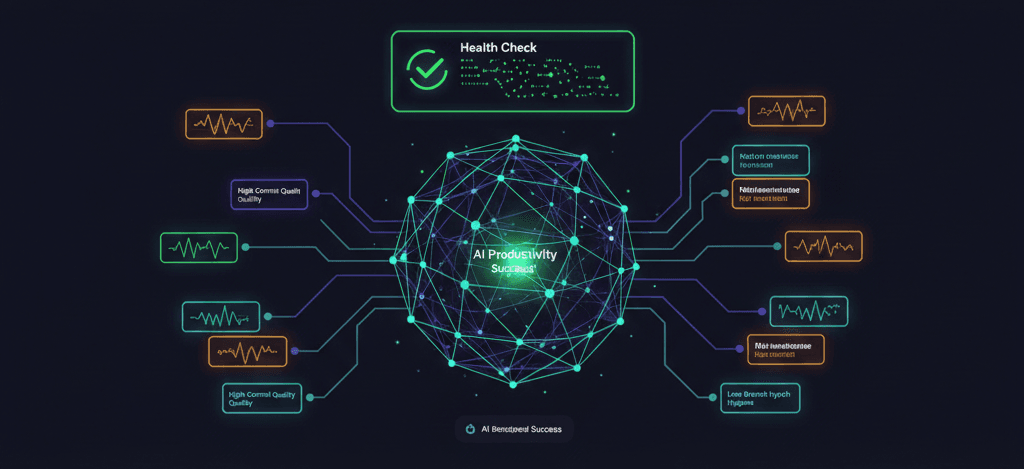
GitProductivity provides a comprehensive health check:
- Git Health Score — Overall repository health
- Contributor Activity — Who's doing what
- Code Review Metrics — Review efficiency
- Technical Debt Indicators — Files needing attention
How to Use the Data
- Weekly reviews — Check trends
- Identify patterns — Spot issues early
- Set goals — Improve incrementally
- Track progress — Measure improvement
Conclusion
Git analytics are essential for maintaining a healthy codebase. Start tracking today with our free Git Health Checker.